
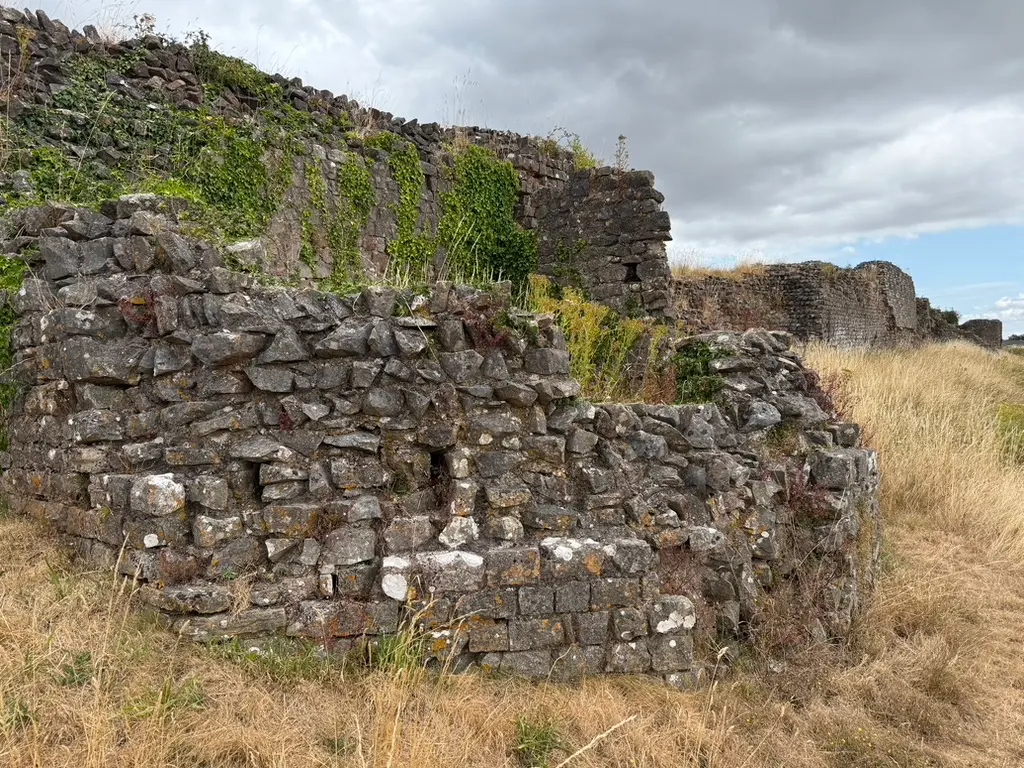
Caerwent Roman Town · Saesneg a Chymraeg
Walk the walls.
The town talks back.
A GPS audio guide to Venta Silurum — the Roman town still standing in the village of Caerwent. Walk toward a gate, a temple, a courtyard house, and the description starts itself. In English and Welsh. First three stops free.
- 15 stops on the circuit
- Works offline
- £1.99 once — not a subscription
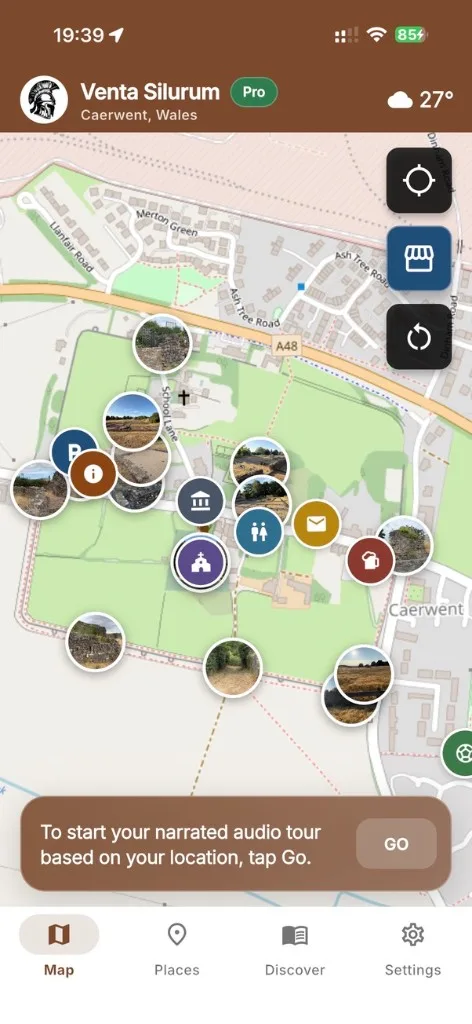
How it works
Photograph nothing. Just walk.
Location stays on your phone. The app only uses it to play the next description and point you along the walls.
- 01
Arrive at Caerwent
Park on Pound Lane (NP26 5BA). The remains are free to walk. Open the app at the visitor panels and pick English or Cymraeg.
- 02
Walk toward a stop
The map shows you on the circuit and an arrow points to the next ruin. When you come within 10–20 metres, the audio starts itself.
- 03
Finish the circuit
Fifteen stops around the walls, gates, temple, forum and courtyard houses. Village amenities — pub, toilets, church — sit on the same map.
On the ground
The ruins are still there. The app just knows where you are.
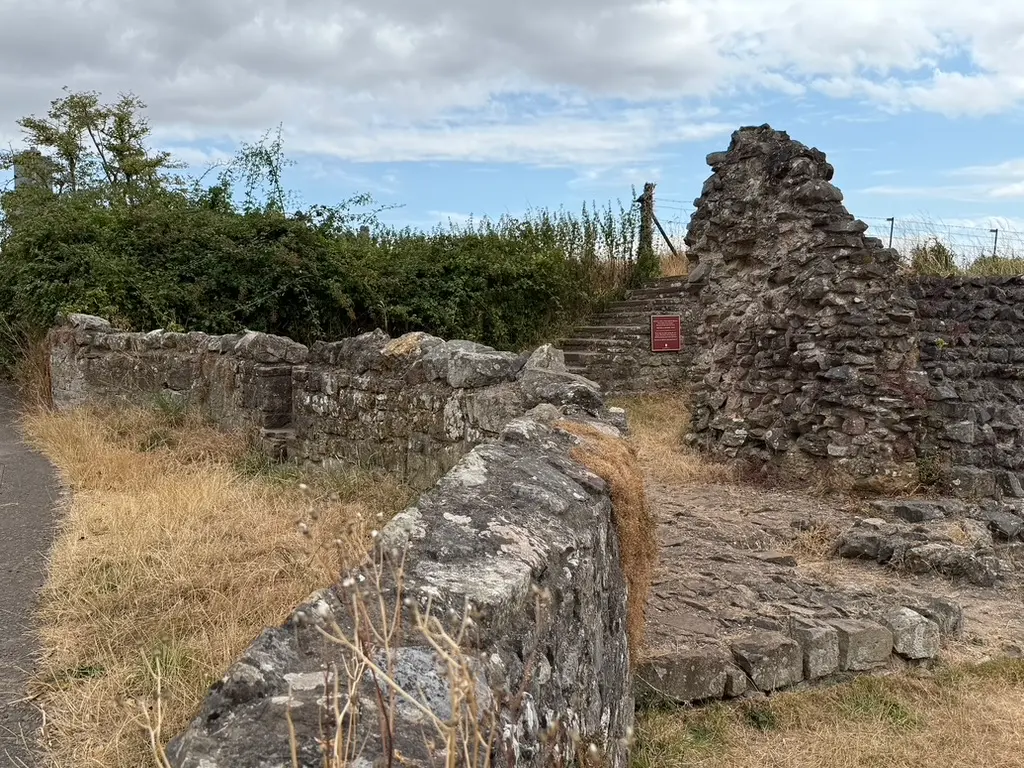
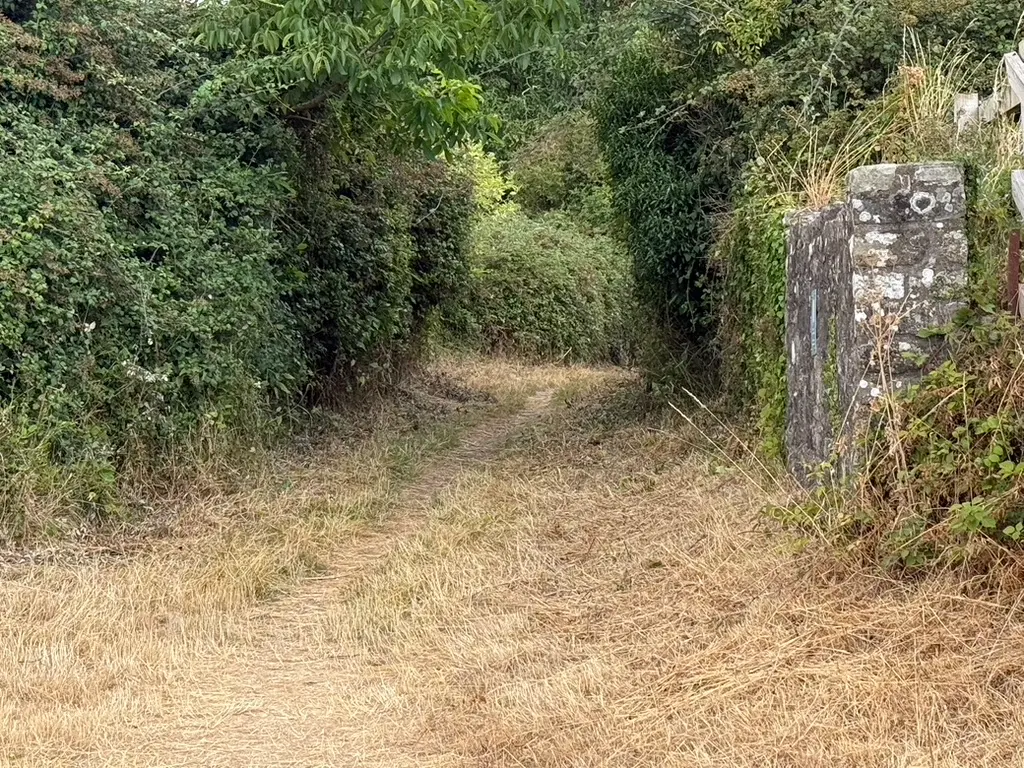
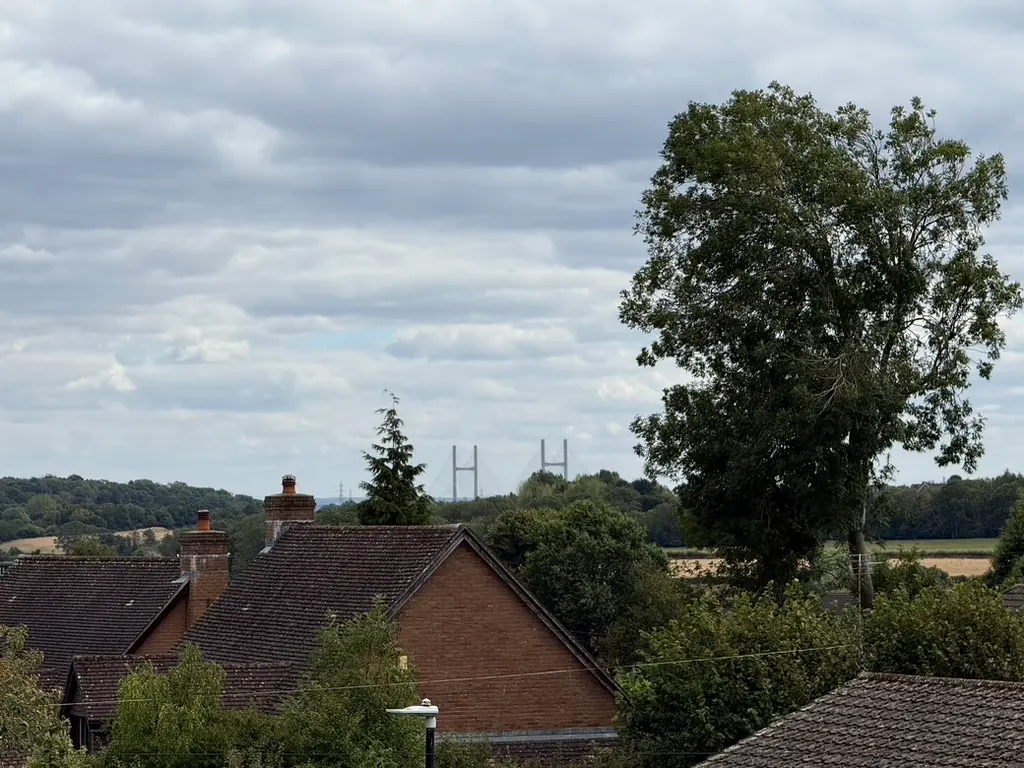
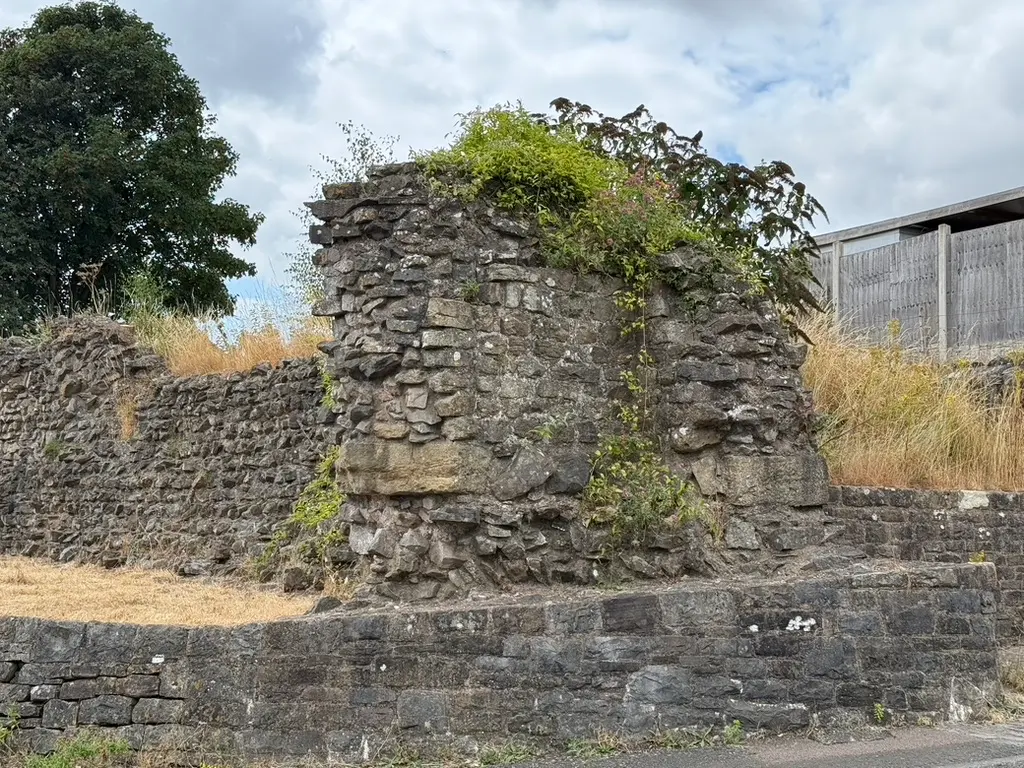
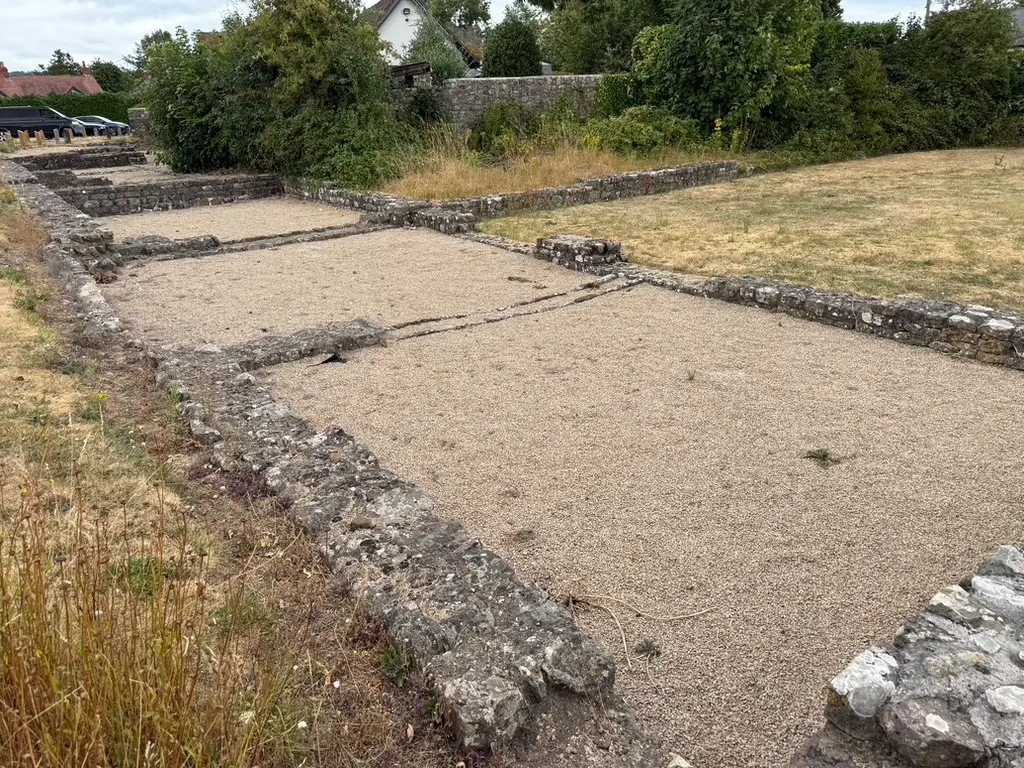
Walls you can walk. Gates you can stand in. A forum, a temple, courtyard houses — and a village that grew up inside the circuit.
Features
Built for walking the monument, not another heritage brochure.
Independent of Cadw. Original scripts. Open heritage facts. Your location never leaves the device.
-
GPS auto-play
Descriptions start when you approach a stop. Set the trigger from 10 to 20 metres in Settings.
-
English and Cymraeg
The same fifteen stops, spoken and written in both languages. Switch at any time.
-
Compass to the next ruin
A live arrow and distance keep you on the recommended walk around the walls.
-
Works when signal drops
Bundled audio and on-device speech if a remote clip has not downloaded yet.
-
Village on the same map
Parking, toilets, the Coach & Horses, the parish church and the playing field.
-
Location stays on the phone
GPS is used on device to place you and trigger audio. It is not sent to our server.
Unlock
First three stops free. The rest is £1.99, once.
GPS audio for the welcome, West Gate and South Wall is free. Unlock all 15 stops and the compass-guided route. Not a subscription. Restore on a new phone through the store.
Is this an official Cadw app?
No. Venta Silurum is an independent walking-tour guide. It is not affiliated with, endorsed by, or operated by Cadw. Cadw manages the monument; the app does not sell or grant entry.
Do you send my location to a server?
No. Location is processed on your phone so the map, compass and auto-play can work. It is not sent to the developer. See the privacy policy.
Is the tour in Welsh?
Yes. Every stop has English and Cymraeg audio and text. Switch language in Settings. Welsh copy is written for the trail; a native-speaker review is still welcome.
What do I get for free?
The first three stops — the welcome at Venta Silurum, the West Gate and the South Town Wall — include full GPS audio. You can also browse every stop, Discover articles and village places without paying.
Is £1.99 a subscription?
No. The full-tour unlock is a one-time purchase through the App Store or Google Play. Use Restore Purchases if you reinstall or change phone.
Does it work if I am not on site?
You can read every stop and play audio from the list anywhere. Live GPS triggers and the next-stop arrow need location permission and work best walking the circuit in Caerwent.
Where can I download it?
On the App Store for iPhone and Google Play for Android.
Stand in their footprints. Hear their story.
First three stops free. Unlock the full circuit for £1.99 — once, in English and Welsh.


iOS · Android · Independent of Cadw · Location stays on your phone